
Quick answer
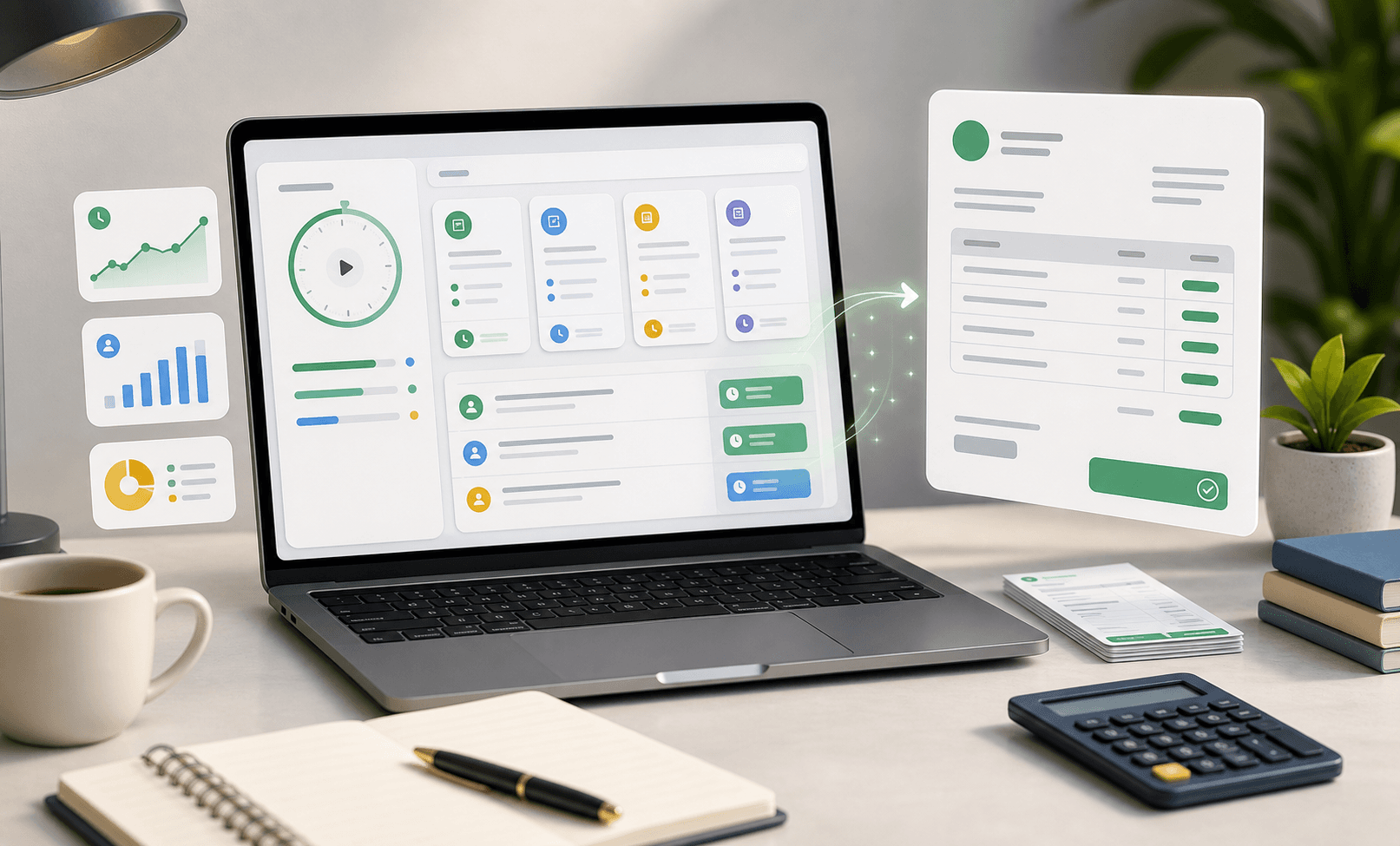
Billable hours tracking means recording client work with enough context to support reports and invoices. The best workflow connects each entry to a client, project, task, duration, billable status, and short work note.
For freelancers, agencies, and service teams, billable time should not live in memory, chat messages, or spreadsheets. It should become a reliable record that explains what was done, who did it, how long it took, and whether it should be invoiced.
What counts as a billable hour?
A billable hour is time spent on work that can be charged to a client under the project agreement. This often includes strategy, design, development, writing, QA, implementation, consulting, project delivery, and approved client communication.
Not every useful hour is billable. Internal planning, sales, admin, training, and some project management work may be non-billable depending on the contract. Tracking both categories matters because non-billable time affects capacity, pricing, and profitability.
- Billable work should be attached to a client and project.
- Non-billable work should still be tracked for capacity visibility.
- Each entry should use language a client can understand.
- Teams should define billing rules before invoice day.
The best workflow for tracking billable hours
Start by creating a clean structure: clients, projects, tasks, and common work categories. Then ask the team to track time as work happens instead of reconstructing the week later. A timer is helpful for active work, while manual entries are useful for meetings, calls, and corrections.
The most important habit is attaching time to real work. “Website updates” is vague. “Implemented homepage pricing section for Acme redesign” is easier to review, report, and invoice. Better notes reduce client questions and make internal reporting more useful.
Review time before it becomes an invoice
Billable time should be reviewed before it reaches the client. A weekly review catches missing notes, incorrect project assignments, duplicate entries, and unusually long blocks while the work is still fresh. This is much easier than fixing a month of messy time records at billing time.
Review also protects trust. Clients are more likely to accept an invoice when time entries clearly map to projects, milestones, and deliverables. If your team uses time tracking and invoicing software, approved time can become invoice-ready records with less copying and fewer mistakes.
- Check that every billable entry has a client, project, and task.
- Rewrite vague notes before they become client-facing.
- Separate internal admin from client-approved work.
- Use reports to compare estimated and actual effort.
How billable hours tracking improves profitability
Accurate billable hours show whether projects are staying inside scope. If a fixed-fee project takes twice as long as estimated, time reports reveal where the extra effort went. If a retainer client uses more support than expected, tracked hours give the team evidence for a pricing conversation.
For agencies and small teams, the goal is not to measure people for the sake of measurement. The goal is to understand delivery effort, protect margins, and plan future work with better estimates.
Where Zeitio fits
Zeitio helps teams track billable and non-billable time by client, project, task, teammate, and status. That structure makes reports more useful and helps turn reviewed work into cleaner invoice records.
If your team needs more than a basic stopwatch, Zeitio connects time tracking with project work, task visibility, reports, approvals, and invoices in one focused workspace.
FAQs
What is billable hours tracking?
Billable hours tracking records client-chargeable work by client, project, task, duration, and note so teams can report work accurately and create clearer invoices.
What is the easiest way to track billable hours?
The easiest way is to use a timer or manual entry connected to clients, projects, and tasks. Review entries weekly so billing data stays clean.
Should non-billable hours be tracked too?
Yes. Non-billable hours show how much capacity goes into admin, communication, revisions, and internal work, which helps improve pricing and planning.