
Quick answer
A Kanban board organizes work by status, but it becomes more useful when each card also carries assignee, priority, due date, estimate, billable status, and tracked time.
This guide is written for freelancers, agencies, and small project teams who want time tracking to support better planning, billing, reporting, and project decisions.
What a Kanban board is
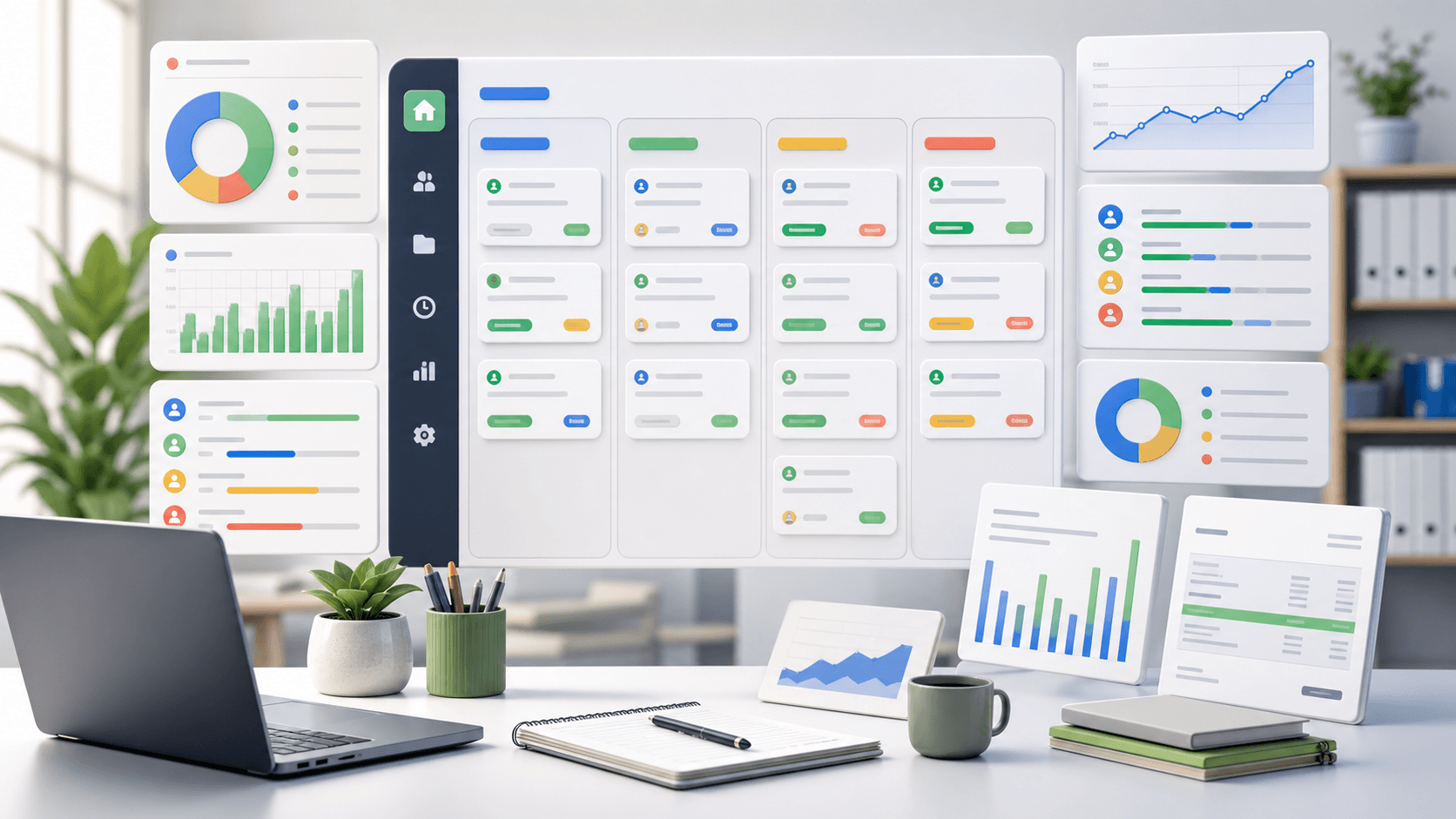
A Kanban board is a visual workflow that organizes tasks into columns such as To do, In progress, Review, and Done. Each card represents a piece of work and moves across the board as its status changes.
The board gives teams a quick answer to a simple question: what is waiting, what is active, what needs review, and what is complete?
- Columns show workflow stages
- Cards show individual tasks
- Assignees show ownership
- Priorities show what matters first
- Time records show what the work cost
Use columns that match real decisions
A Kanban board should reflect how your team actually moves work. Too many columns make the board noisy. Too few columns hide the handoffs where work gets stuck.
For many small teams, a simple flow works well: Backlog, Ready, In progress, Review, Blocked, and Done. Add more columns only when a status changes what someone needs to do next.
Limit work in progress
A board full of active cards is usually a warning sign. Work in progress limits help teams finish more work before starting new work, especially when the same people handle delivery, review, client communication, and fixes.
You do not need a rigid process on day one. Start by reviewing how many cards sit in progress for more than a few days. If that number keeps growing, the team may be starting too much at once.
Add enough card detail to make work clear
A card title alone is rarely enough. Useful Kanban cards include the project, task type, assignee, priority, due date, status, estimate, and any notes needed for review.
For client work, add billable status and tracked time. That turns the board from a task list into a useful project record.
- Project or client
- Task type and priority
- Owner and due date
- Estimate and tracked time
- Billable or non-billable status
Connect the board to time tracking
Kanban shows flow. Time tracking shows cost. When the two are separate, teams can see that work moved but not what it took to move it.
Attach time entries to the task card whenever possible. This helps project managers review estimate accuracy, find expensive task types, and prepare cleaner reports for billing or project retrospectives.
Review blocked and review-stage work
Blocked cards and review-stage cards deserve attention. They often explain why a project feels busy without moving forward.
Use the board during a weekly review to ask which cards need a decision, which cards need client input, which cards are waiting for QA, and which cards should be split into smaller work.
Use Kanban reports for planning
The board is for daily visibility. Reports are for management decisions. Review cards by project, assignee, status, priority, and tracked time so the team can see workload, budget drift, and bottlenecks.
For agencies and small teams, this is where Kanban becomes more than a tidy board. It helps with staffing, scope conversations, invoice review, and better estimates.
When a Kanban board is the wrong tool
A Kanban board is not always the answer. If your work is mostly calendar-driven, appointment-based, or dependent on strict sequential phases, a timeline or schedule may be clearer.
Use Kanban when the team needs to see task flow, ownership, blockers, review queues, and active work. Use another view when dates and dependencies matter more than status.
Where Zeitio fits
Zeitio helps teams connect tracked hours to clients, projects, tasks, reports, approvals, and invoices so time data becomes useful business context instead of another spreadsheet.
Start with simple time entries, review them weekly, and use the data to improve project planning, billing accuracy, and team workload decisions.
Compare Zeitio pricing or create a workspace to try the workflow.
FAQs
What is a Kanban board?
A Kanban board is a visual workflow that organizes task cards into status columns so a team can see what is waiting, active, blocked, in review, and done.
What columns should a Kanban board have?
A simple Kanban board can start with Backlog, Ready, In progress, Review, Blocked, and Done. Teams should adjust columns only when a status changes the next action.
How does Kanban help project management?
Kanban helps project management by showing task flow, ownership, blockers, review queues, active work, and completed work in one visual board.
Should a Kanban board include time tracking?
Yes, for billable or project-based work. Time tracking shows what tasks cost, whether estimates are accurate, and which work should appear in reports or invoices.