
Quick answer
Kanban boards help teams visualize work, limit active tasks, find bottlenecks, and improve delivery flow without turning project management into a heavy process.
This guide is written for teams, freelancers, agencies, and business owners who want time tracking to support better planning, billing, reporting, and project decisions.
The history and evolution of Kanban
Kanban has roots in Toyota's production system. In the 1940s, Toyota used Kanban as a scheduling method to reduce waste, improve flow, and signal when materials were actually needed. The word Kanban is often translated as signboard or visual card, which fits the way the system makes work visible.
Over time, Kanban moved beyond manufacturing. Software teams adopted it to manage project work, reduce hidden queues, and make delivery problems easier to see. Physical boards turned into digital boards, and Kanban became useful for remote teams, agencies, marketing teams, operations teams, and solo workers.
The idea stayed simple: visualize the work, limit how much is active, and keep improving the flow.
The key principles of Kanban
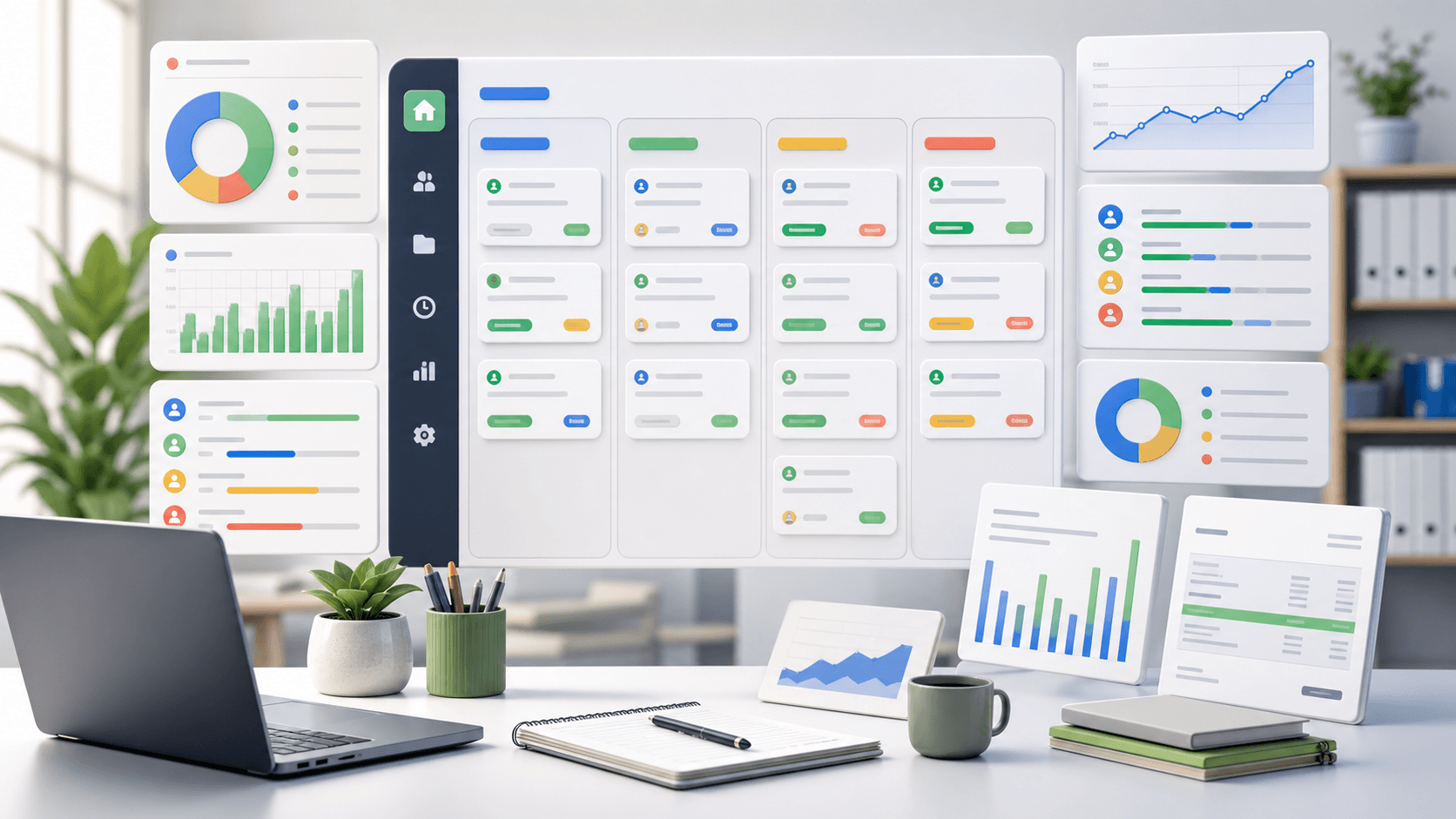
Kanban starts with visualizing the workflow. Tasks are represented as cards, and columns represent the stages those tasks move through. A simple board might use To do, In progress, Review, and Done. A more detailed board might include Backlog, Ready, Blocked, QA, or Client review.
The second principle is limiting work in progress. When too many tasks are active at once, work slows down and quality drops. Work in progress limits help teams finish active tasks before starting more.
The third principle is managing flow. Teams review how cards move through the board, where work piles up, and which stages need attention. This creates a practical continuous improvement loop.
- Visualize the workflow
- Limit work in progress
- Manage flow
- Review bottlenecks regularly
- Improve the process in small steps
Benefits of using Kanban boards
The biggest benefit of a Kanban board is visibility. Everyone can see what needs to be done, who owns the work, where tasks are stuck, and what has already been completed.
Kanban also improves focus. By limiting active work, teams spend less time switching between half-finished tasks and more time finishing the right work.
For project-based teams, Kanban becomes even more useful when cards include time context. A board can show task status, while tracked time shows what the task cost. Together, they help teams review workload, budget drift, and delivery risk.
How to set up your Kanban board
Start by identifying the real stages of your workflow. Do not copy a complicated board from another team. Use the columns that match how work actually moves in your business.
Create task cards for the work you need to manage. Each card should include enough context for someone to understand the task without a separate explanation. For client work, include project, owner, priority, due date, estimate, billable status, and notes.
Place each task in the correct column and move the card as work progresses. Review the board regularly so it stays accurate instead of becoming a decoration.
- Choose workflow columns
- Create clear task cards
- Add owners and priorities
- Set work in progress limits
- Review the board every week
Physical versus digital Kanban boards
Physical Kanban boards are simple. A whiteboard and sticky notes can work well for a team in the same room. They are easy to update and easy to understand at a glance.
Digital Kanban boards are better for remote teams, larger projects, and teams that need reporting. They can support assignments, due dates, labels, comments, project filters, attachments, and time records.
The choice depends on how your team works. If everyone is in one place and the workflow is simple, a physical board may be enough. If work is remote, client-based, or report-heavy, a digital board is usually a better fit.
Best practices for Kanban management
Keep task definitions clear. A card should tell the team what needs to happen, who owns it, and what done means. Vague cards create vague progress.
Review the board on a steady rhythm. Daily standups can work for active delivery teams. Weekly reviews are often enough for small teams that need planning, billing, or workload visibility.
Track the right signals. Cycle time, lead time, blocked cards, overdue work, and time spent by project can show where the workflow is healthy and where it needs attention.
- Write clear card titles
- Define what done means
- Use labels for priority or task type
- Keep blocked work visible
- Review flow metrics before adding more process
Common Kanban mistakes to avoid
One common mistake is allowing too much work in progress. A crowded In progress column usually means the team is starting faster than it is finishing.
Another mistake is failing to update the board. If cards do not reflect reality, the board stops being useful. The team starts managing work somewhere else, and the board becomes stale.
A third mistake is treating Kanban as a reporting ritual instead of a working system. The board should help people make decisions: what to finish, what to unblock, what to defer, and what needs a clearer owner.
Tools and software for Kanban implementation
Many teams use tools such as Trello, Jira, Asana, Monday.com, ClickUp, or Microsoft Planner for digital Kanban boards. The right tool depends on how much structure the team needs.
Simple teams may only need cards, columns, owners, due dates, and labels. Project-based teams often need more: clients, projects, task estimates, billable status, approvals, time records, and reports.
For teams that bill by the hour or manage client projects, Kanban should not live far away from time tracking. Connecting task cards to tracked time makes project review, invoice preparation, and profitability tracking much cleaner.
When Kanban boards are not the right fit
Kanban is useful when work moves through statuses and the team needs visibility into flow. It is less useful when work is mostly calendar-based, appointment-based, or dependent on a strict timeline.
If dates, dependencies, and milestones matter more than task status, a calendar, timeline, or project schedule may be clearer. Many teams use both: Kanban for task flow and reports for time, budget, and workload decisions.
Enhancing productivity with Kanban boards
Kanban boards improve productivity by making work easier to see and easier to finish. The board gives teams a shared view of priorities, active work, blockers, and completed tasks.
The real value comes from using the board as part of a review rhythm. Look at the work, limit what is active, fix bottlenecks, and use the data to improve the next week. That is how Kanban becomes a working system instead of another task list.
Where Zeitio fits
Zeitio helps teams connect tracked hours to clients, projects, tasks, reports, approvals, and invoices so time data becomes useful business context instead of another spreadsheet.
Start with simple time entries, review them weekly, and use the data to improve project planning, billing accuracy, and team workload decisions.
Compare Zeitio pricing or create a workspace to try the workflow.
FAQs
What is a Kanban board?
A Kanban board is a visual workflow board where cards represent tasks and columns represent stages such as To do, In progress, Review, and Done.
How do Kanban boards improve productivity?
Kanban boards improve productivity by making work visible, limiting active tasks, highlighting bottlenecks, and helping teams finish work before starting more.
Should I use a physical or digital Kanban board?
Use a physical board for simple co-located work. Use a digital board for remote teams, client projects, reporting, time tracking, and larger workflows.
Can Kanban boards be used with time tracking?
Yes. Kanban shows task flow, while time tracking shows effort and cost. Together, they help teams review estimates, workload, billing, and project profitability.